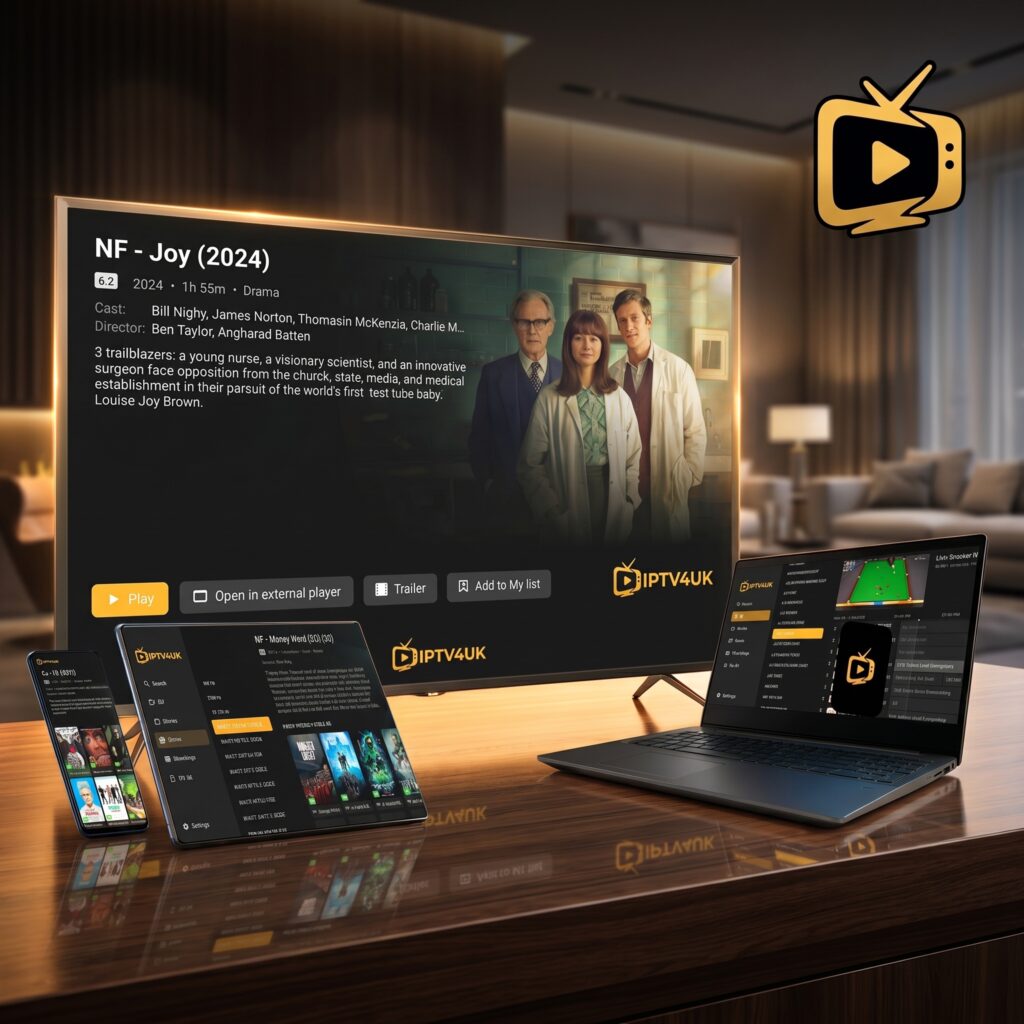
If you have recently purchased a premium IPTV UK subscription, your next critical decision is choosing the right player application. The player is the software interface that loads your playlist (channels, movies, TV shows) and delivers it onto your screen. While the Amazon Firestick is widely recognized as the absolute best hardware for streaming, your actual viewing experience depends heavily on the software player you use.
In this comprehensive guide, we will review the top IPTV players for Firestick in 2026, compare their features side-by-side, analyze customer reviews, and walk you through the setup process step-by-step. Our goal is to help you achieve a seamless, buffer-free, and high-definition TV experience.
Why Your Choice of IPTV Player Matters
Many new streamers believe that all IPTV players are created equal. However, the player application is responsible for several technical tasks behind the scenes. A poorly optimized player can cause lag, slow down Electronic Program Guide (EPG) loading, fail to sync audio/video streams, or crash during heavy usage. A high-quality player, on the other hand, makes navigation fluid, organizes content cleanly, and handles high-bitrate 4K streams effortlessly.
Furthermore, different players support different connection protocols. While older players rely on long, complex M3U playlist URLs, modern players support the Xtream Codes API. The Xtream Codes API is highly recommended because it connects securely and updates your channel list and EPG automatically without manual refreshes.
Detailed Reviews of the Top 5 Firestick IPTV Players
1. TiviMate IPTV Companion — The Premium Standard
For power users who want a traditional cable TV experience, TiviMate is the undisputed leader in 2026. Designed specifically for Android TV and Fire OS devices, TiviMate offers an exceptionally polished user interface that looks and feels like a premium satellite box.
Key Features:
- Modern EPG grid with fast, asynchronous data loading.
- Support for multiple playlists (ideal if you manage backup lines).
- Customizable channel groups and favorites list.
- Picture-in-Picture (PiP) support to watch two channels simultaneously.
- Scheduled recording support (requires external USB storage).
Pros: Stunning design; fastest channel switching speed; zero lag on Firestick 4K Max.
Cons: The free version is very limited; premium features require a yearly subscription of $7.99 or a $29.99 lifetime purchase.
Our Rating: ⭐⭐⭐⭐⭐ (5/5)
2. IPTV Smarters Pro — The Reliable Standard
IPTV Smarters Pro is the most widely used IPTV app in the world. It is highly versatile and works on almost any device, including iOS, Android, macOS, and Windows, in addition to Firestick. Its main appeal lies in its simplicity and comprehensive features out of the box.
Key Features:
- Native support for Xtream Codes API and M3U playlists.
- Dynamic master search feature to find channels or movies instantly.
- Integrated video player with support for external players (VLC/MX Player).
- Catch-up TV support to watch past broadcasts.
- Parental controls to lock adult categories.
Pros: 100% free for core features; intuitive dashboard; support for subtitle tracks.
Cons: The default UI can feel slightly crowded; contains occasional ads in the free version.
Our Rating: ⭐⭐⭐⭐☆ (4.5/5)
3. XCIPTV Player — The Lightweight Alternative
XCIPTV is a lightweight, reliable player developed using ExoPlayer and VLC Player backends. It is particularly popular because of its clean, grid-based dashboard that requires almost no technical knowledge to navigate.
Key Features:
- Built-in media players (no external apps required).
- Clean dashboard layout separating Live TV, VOD, and Series.
- Excellent performance on older Firestick models.
- Backup and restore settings feature.
Pros: Zero setup complications; extremely stable; very low CPU/RAM usage.
Cons: Lacks advanced customization options compared to TiviMate.
Our Rating: ⭐⭐⭐⭐☆ (4.2/5)
4. GSE Smart IPTV — The Cross-Platform Solution
GSE Smart IPTV is a robust player known for its broad format compatibility. It is a solid choice if you want to use the same interface across both your Amazon Firestick and Apple devices.
Key Features:
- Support for live stream protocols including HTTP, HSL, M3U8, and RTMP.
- Dynamic language support with multiple subtitle formats.
- Local and remote playlist management.
Pros: Supports almost any streaming format; powerful EPG XML parser.
Cons: The interface looks outdated; setup process is slightly complex for beginners.
Our Rating: ⭐⭐⭐☆☆ (3.8/5)
5. Perfect Player IPTV — The Minimalist Choice
Perfect Player is a minimalist application designed to look like a modern TV set-top box. It is built for speed and works exceptionally well with large channel lists containing thousands of items.
Key Features:
- Ona-screen display (OSD) that scales nicely to any screen size.
- Automatic sync of EPG data on app startup.
- Support for local playlist formats.
Pros: Very clean interface; fast EPG rendering; completely free.
Cons: No built-in video decoder (relies heavily on external player configurations for some streams).
Our Rating: ⭐⭐⭐☆☆ (3.5/5)
IPTV Players Side-by-Side Comparison
| Player App | Interface Type | EPG Support | Xtream Codes API | Price Range | Overall Rating |
|---|---|---|---|---|---|
| TiviMate | Premium Grid | ⭐⭐⭐⭐⭐ Excellent | Yes | Free / $7.99 yr | ⭐⭐⭐⭐⭐ 5/5 |
| IPTV Smarters Pro | Dashboard Grid | ⭐⭐⭐⭐☆ Very Good | Yes | 100% Free | ⭐⭐⭐⭐☆ 4.5/5 |
| XCIPTV | Minimal Dashboard | ⭐⭐⭐⭐☆ Good | Yes | 100% Free | ⭐⭐⭐⭐☆ 4.2/5 |
| GSE Smart IPTV | List-Based Layout | ⭐⭐⭐☆☆ Fair | Yes | Free / Paid | ⭐⭐⭐☆☆ 3.8/5 |
| Perfect Player | Minimal Grid | ⭐⭐⭐☆☆ Fair | No (M3U Only) | 100% Free | ⭐⭐⭐☆☆ 3.5/5 |
Step-by-Step Installation Guide for Firestick
Since IPTV players are usually not available directly in the Amazon Appstore (with some exceptions depending on region), you must sideload them using the Downloader app. Here is the exact process to get started in less than 5 minutes:
Step 1: Enable Developer Options
Amazon has hidden Developer Options in recent Fire OS updates. To reveal it:
- Go to Settings > My Fire TV > About.
- Highlight the name of your Fire TV device and click it **7 times** rapidly.
- You will see a notification saying “You are now a developer.”
- Go back to My Fire TV, open **Developer Options**, and set **Install Unknown Apps** for Downloader to **ON**.
Step 2: Install Downloader App
- Go to the Firestick Home screen and search for **Downloader**.
- Select the app (orange icon) and click **Download** or **Get**.
- Open Downloader and click **Allow** when prompted for storage permissions.
Step 3: Download and Install Your IPTV Player
- Open the Downloader app.
- In the URL field, type the direct code for your player:
- For IPTV Smarters Pro: Enter code
250931(or your preferred source URL). - For TiviMate: Enter the official website URL or custom download code.
- For IPTV Smarters Pro: Enter code
- Click Go. The APK file will download automatically.
- Click **Install** when the prompt appears, then click **Done**. Delete the installer file to save storage.
Step 4: Configure Your Subscription
- Open your newly installed player app.
- Select **Login with Xtream Codes API** (highly recommended for automatic EPG loading).
- Enter the credentials provided in your IPTV4UK email:
- Playlist Name: IPTV4UK
- Server URL: The portal link sent by our team.
- Username: Your subscription username.
- Password: Your subscription password.
- Click **Add User**. The app will load your 40,000+ live channels and 54,000+ VOD movies in seconds!
What Real Users Say (Customer Reviews)
“I’ve tried every player available, and TiviMate paired with IPTV4UK is by far the most stable setup. The channel guide loads instantly, and switching channels feels exactly like cable. Absolute game changer.”
— David H., London
“IPTV Smarters Pro is perfect for our family. It’s free, very simple to use, and having the parental lock means I don’t have to worry about my kids opening adult channels. IPTV4UK support set it up for me in under 10 minutes.”
— Sarah M., Manchester
Troubleshooting and Optimization Tips
To ensure you get the absolute best streaming quality out of your player, follow these expert tips:
- Clear Player Cache Regularly: Go to your Firestick Settings > Applications > Manage Installed Applications, select your player, and click **Clear Cache**. This prevents lag and EPG loading issues.
- Use an External Video Player: If you experience audio sync issues or black screens on some VOD titles, change your player settings to use **VLC Player** or **MX Player** as the default media player.
- Check Your Internet Uptime: Ensure your Wi-Fi signal is strong (minimum 30 Mbps for 4K streaming). If your router is far away, consider using an Ethernet adapter for your Firestick to eliminate buffering completely.
Verdict: Which Player Should You Choose?
If you want the absolute best, most feature-rich interface and do not mind paying a small one-time fee, TiviMate is the clear winner. However, if you are looking for a reliable, 100% free app that is easy to navigate and share across other devices in your house, IPTV Smarters Pro is the best overall choice.
Regardless of the player you choose, pairing it with a premium provider like IPTV4UK ensures you get access to 40,000+ live channels, 54,000+ VOD files, and reliable 99.9% server uptime. Ready to cut the cord? Check out our pricing page to get your activation details now!