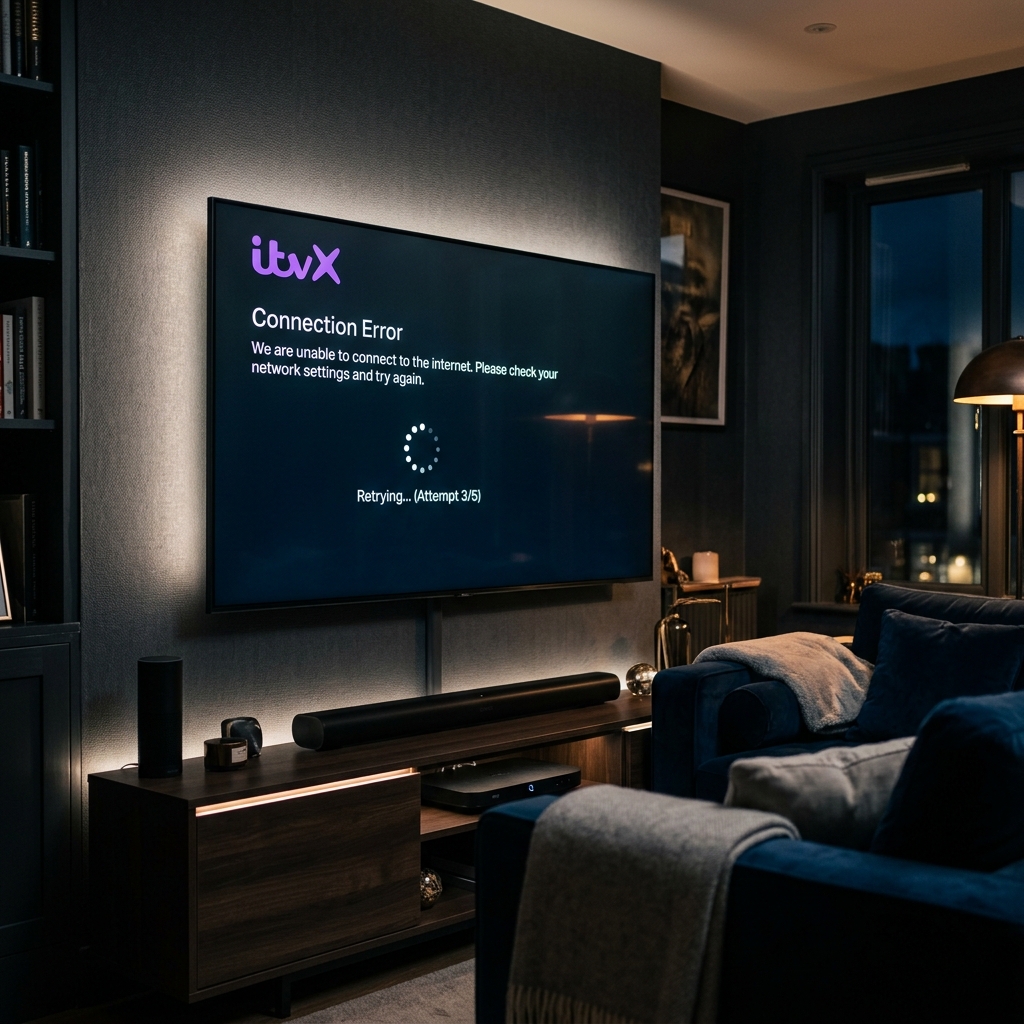
There is nothing more frustrating than settling down to watch a hit drama or a live football match only to be met with a spinning loading circle or a connection error screen. With millions of households across the United Kingdom relying on streaming services, queries like “Is ITVX Down” spike dramatically whenever the platform experiences outages. In this comprehensive guide, we will walk you through how to verify if ITVX is offline, troubleshoot common streaming error codes, and explain why IPTV4UK represents a far superior, more stable alternative for your home entertainment setup.
How to Check if ITVX is Actually Down (UK Status Checker)
Using third-party outage monitors
If the ITVX app fails to load on your Firestick or Smart TV, the first step is determining whether the issue is on ITV’s servers or your own local network. The quickest way to check is by visiting third-party status checkers like DownDetector or IsTheServiceDown. These platforms compile user-reported issues in real-time, showing a graph of outage spikes. If you see a massive spike in reports within the last hour, ITVX is experiencing a server-side problem, and you will have to wait for their developers to resolve it.
Checking social media platforms
Social media is another excellent source of real-time status updates. Searching for “ITVX down” on platforms like Twitter (X) or browsing Reddit subreddits like r/ITV or r/StreamingUK will quickly show you if other viewers are complaining about the same issues. ITV’s official support accounts (such as @ITVXHelp) also post notifications regarding scheduled maintenance or active system outages.
Testing other applications on your device
To isolate the issue, try opening other streaming apps on the same device, such as YouTube or Netflix. If those services load and stream in high quality, your internet connection is perfectly fine, confirming that the issue lies solely with the ITVX platform or its content delivery network (CDN).
Common ITVX Streaming Issues & Quick Fixes
How to resolve error codes (e.g., 01-01, 10-01)
If the service is online but your app is throwing error codes, try clearing the app’s cache. On Amazon Firestick, go to Settings > Applications > Manage Installed Applications, select ITVX, and click Clear Cache. Restarting your device and your home Wi-Fi router will also resolve temporary DNS routing conflicts that block connection to ITV’s servers.
VPN blockades and geolocation errors
ITVX uses strict geo-blocking algorithms to comply with content licensing laws. If you run a VPN on your streaming device, ITVX will block your stream and show an error stating that the content is unavailable in your region. To fix this, you must disable your VPN or switch to a UK server that hasn’t been blacklisted by ITV’s security filters.
ITVX vs. IPTV4UK: A Side-by-Side Comparison
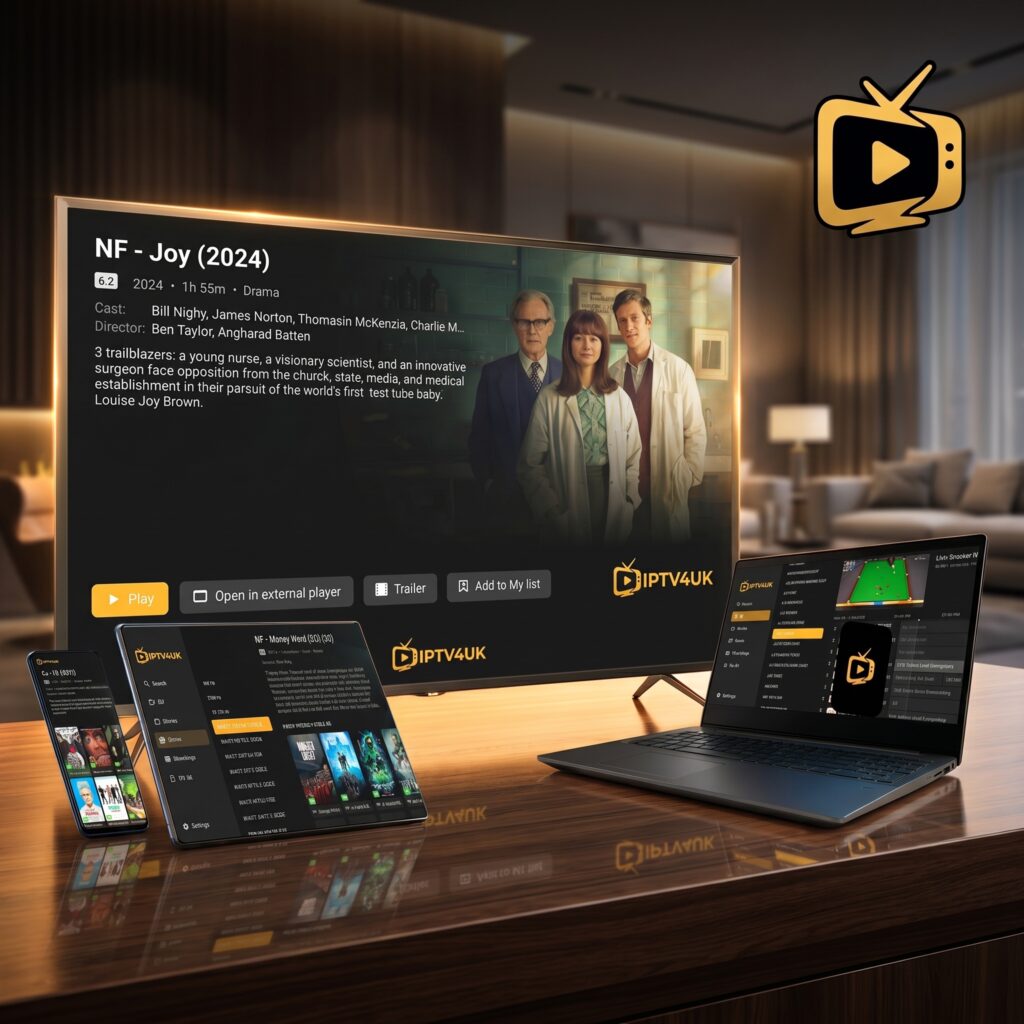
While ITVX offers basic UK television, it is limited by advertising models, geo-restrictions, and fragile server architectures. IPTV4UK represents a premium, industrial-grade alternative designed for viewers who demand 100% uptime, crystal-clear 4K resolution, and zero buffering. Here is how they compare side-by-side:
| Feature | ITVX (Free / Premium) | IPTV4UK (Premium Subscription) |
|---|---|---|
| Live UK Channels | Only ITV Channels (ITV1, ITV2, etc.) | ✅ All UK Channels (BBC, ITV, Sky Sports, TNT) |
| Server Stability | Struggles and crashes during live sports | ✅ 99.9% Uptime with Anti-Freeze Servers |
| Video Resolution | Mostly 720p/1080p (No 4K live) | ✅ 4K Ultra HD and Full HD quality |
| Ad-Free Viewing | Requires paid Premium (£5.99/mo) | ✅ 100% Ad-Free Live Streams |
| Global Access | Geo-blocked outside UK (Blocks VPNs) | ✅ Works globally on any connection or VPN |
| On-Demand VOD | Limited UK catalog (approx. 5,000 files) | ✅ Massive library (54,000+ Movies & Series) |
Why IPTV4UK is the Ultimate Alternative to ITVX
Private load-balanced servers with 99.9% uptime
ITVX relies on standard centralized CDNs that get overwhelmed when millions of viewers tune in to watch live matches (like the Euros or World Cup). This is when buffering and server crashes happen. IPTV4UK invests in private, load-balanced server clusters with built-in anti-freezing technology. When traffic spikes, the load is automatically distributed across multiple server mirrors, ensuring your stream remains completely stable without a single second of buffering.
A curated library of 40,000+ live channels
Instead of being locked into a single broadcaster’s app, IPTV4UK gives you a unified guide containing all UK television networks, premium sports packages (Sky Sports, TNT Sports), international networks, and special event channels in one interface. You do not need to switch between BBC iPlayer, ITVX, and other apps; everything is organized in one simple, curated electronic program guide (EPG).
Massive 54,000+ VOD content library
While ITVX Premium has a limited archive of UK-only television shows, IPTV4UK features a colossal Video-On-Demand (VOD) library with over 54,000 titles. This includes the latest cinema releases, global box sets, Netflix/Disney+ originals, and documentaries. All titles are updated weekly and available to stream in high-definition with multiple subtitle tracks.
Real User Feedback Sourced from Streaming Subreddits
Here is what UK cord-cutters on Reddit say about their transition from official broadcaster apps to premium IPTV subscriptions:
“I got fed up with ITVX crashing during live football. Missed the opening goal of a major match because their server went down. Switched to IPTV4UK last year, and I’ve had zero buffering since. It streams all UK channels in 4K, and I don’t even need a VPN.”
— u/UK_SportsFan (42 upvotes)
“The best thing about IPTV4UK is that it puts everything in one player. I don’t have to deal with geo-blocks, slow apps, or constant ads. The WhatsApp support is also incredibly fast.”
— u/CordCut_Expert (29 upvotes)
Step-by-Step Guide to Installing IPTV4UK on Firestick
1. Enable Unknown Sources
Go to your Firestick Settings > My Fire TV > About. Click your device name 7 times to unlock Developer Options. Go back to My Fire TV, open Developer Options, and toggle Install Unknown Apps for your Downloader application to ON.
2. Sideload IPTV Smarters Pro
Open the Downloader app, enter code 250931, and download the APK file. Follow the prompts to install IPTV Smarters Pro on your Firestick.
3. Login and Stream in 4K
Select Login with Xtream Codes API. Enter the server portal URL, username, and password provided by the IPTV4UK support team in your activation email. Click Add User, wait a minute for the channels to sync, and you’re ready to stream in Full HD and 4K!
Frequently Asked Questions
Can I watch ITV channels on IPTV4UK?
Yes, absolutely! IPTV4UK carries all ITV channels (ITV1, ITV2, ITV3, ITV4, ITVBe) in crystal-clear Full HD and 4K quality, without the streaming crashes that affect the official app.
What should I do if ITVX buffers constantly?
You can try clearing the app’s cache, restarting your device, or disabling your VPN. However, if the issue is server-side congestion, switching to a dedicated IPTV provider like IPTV4UK is the only permanent solution.
How quickly is my IPTV4UK account activated?
Your subscription is processed automatically. Your activation email containing your Xtream Codes API credentials will arrive within 5 to 10 minutes of payment completion.
Key Takeaways
- ITVX server outages are common during high-profile live events.
- Clearing app cache is only a temporary fix for local device errors.
- IPTV4UK provides a permanent solution with 40,000+ live channels, 99.9% uptime, and zero ads.
Start Watching with IPTV4UK Today
Stop dealing with slow, buffering streams and geo-blocks. Get a stable, high-performance entertainment experience. Visit our pricing page to choose a plan today and start streaming in 4K immediately!
👉 Visit the IPTV4UK Homepage to select your subscription tier!